

Accessing Site Data
From the homescreen, you can dive into any AOI to see its specific data.1
Select a Site
From the homescreen list or map, simply click on an AOI. This will open the AOI’s dedicated dashboard, where you can access all of its associated images, videos, maps, and other files.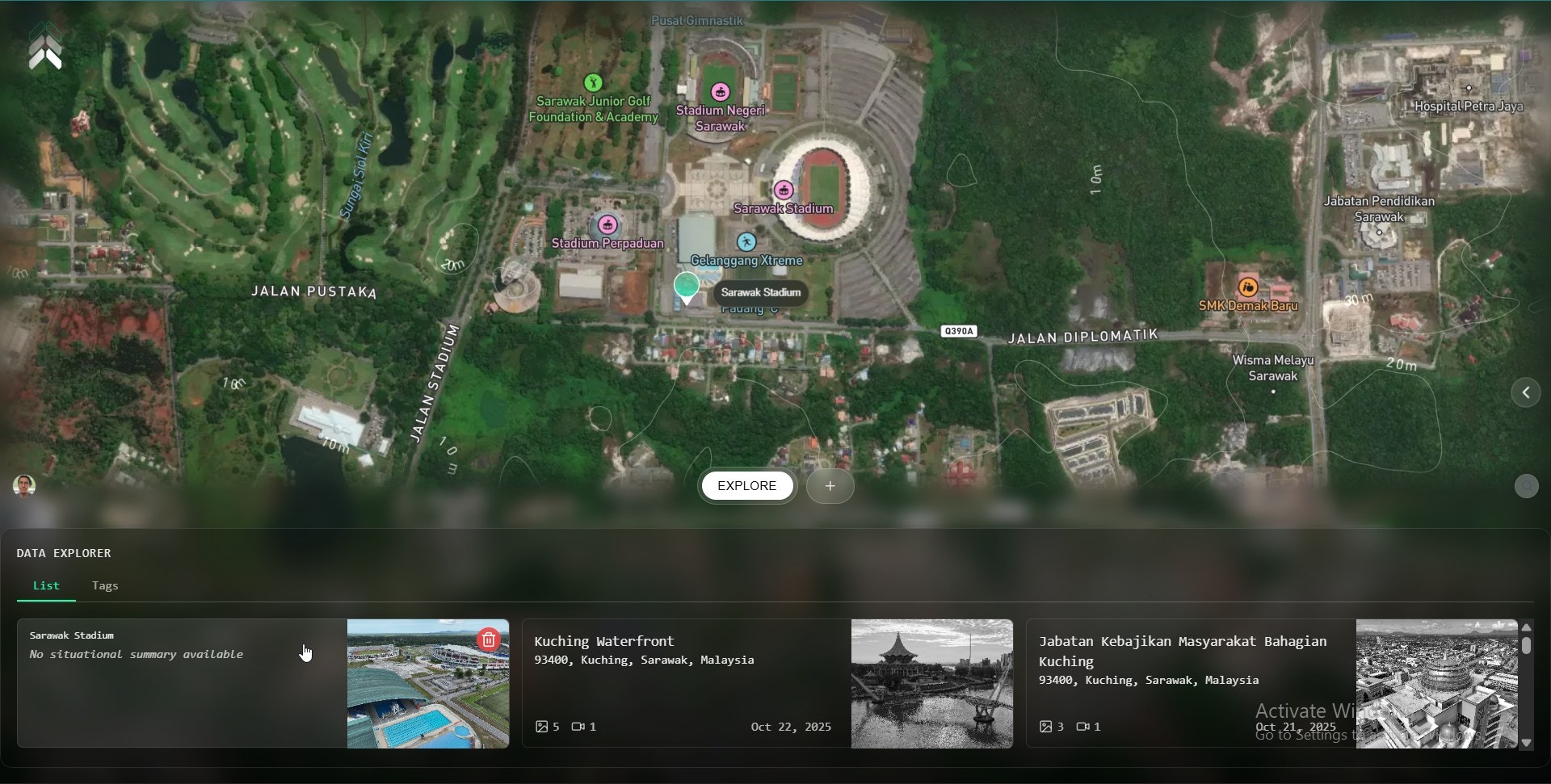
2
Download for Offline Use
Once you’ve selected one or more files, click the Download button at top right of data. The files will be saved to your device for offline access.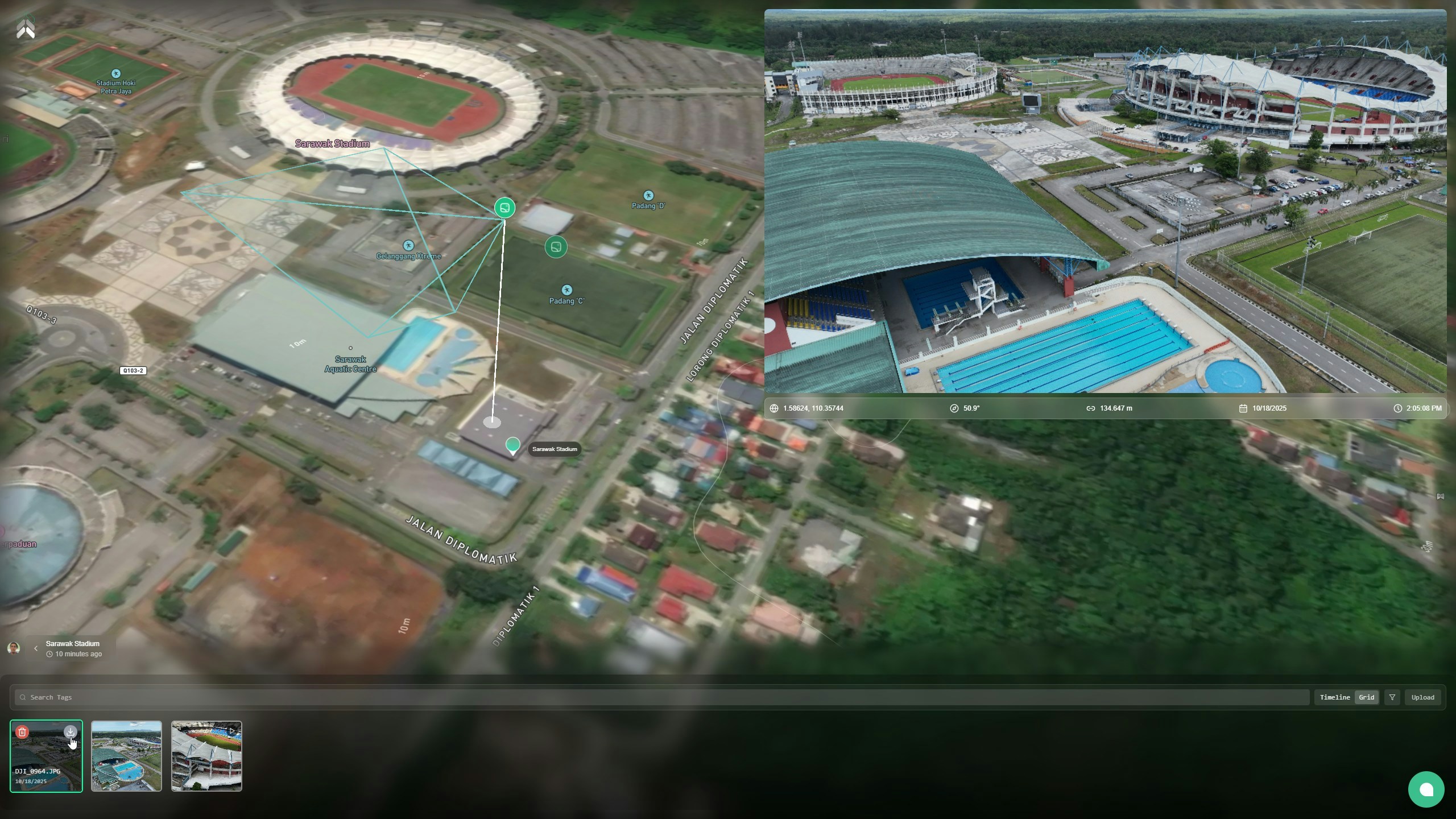
Pro Tip: To select multiple files for download at once, hold the Shift key and click on each file you need. This allows you to batch-download everything in one go.